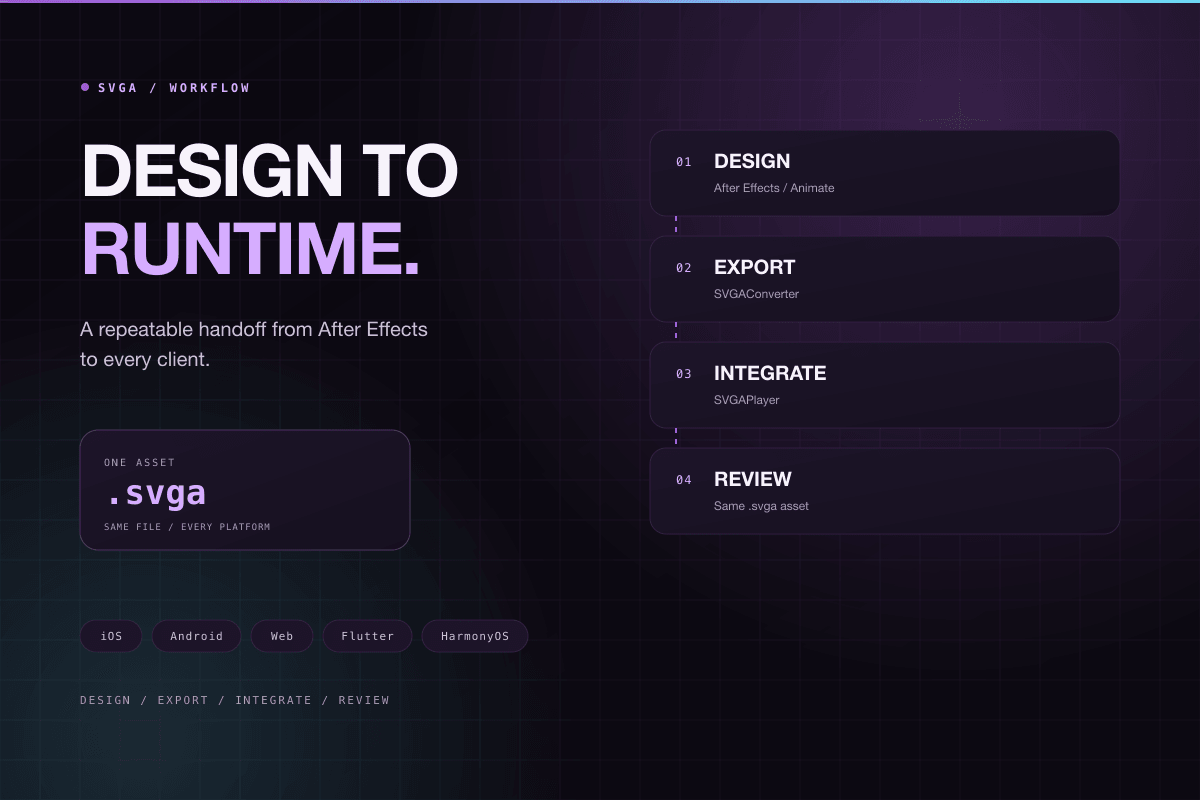
A stable SVGA workflow usually has four steps: design, export, integration, and review. Each step should revolve around the same .svga file so the team avoids unclear handoff notes and platform-specific rewrites.
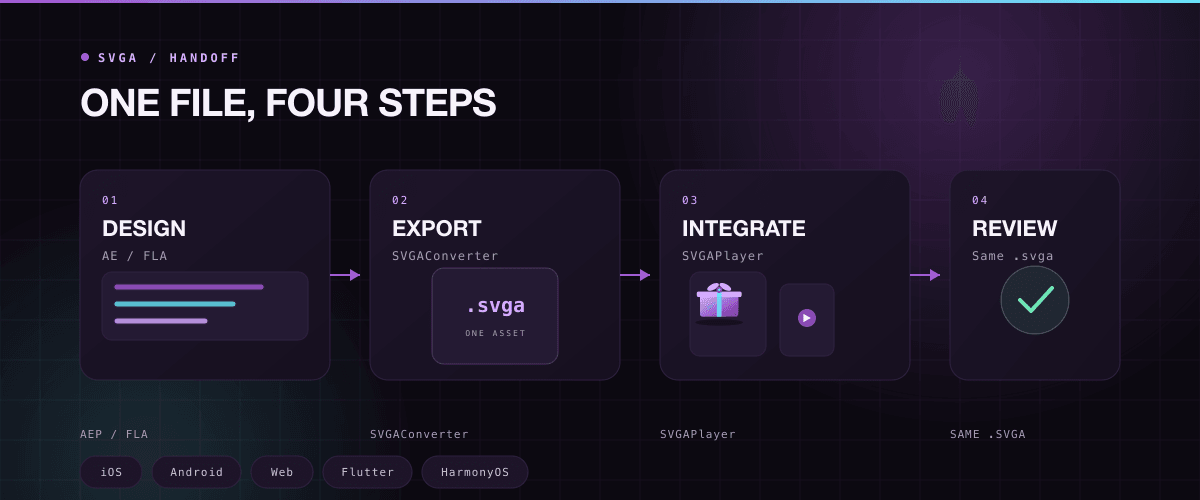
Designers create the motion in After Effects or Animate, then export it with SVGAConverter. Developers integrate the player on the target platform, load the exported asset, and connect playback controls to product state.
Recommended flow
- Confirm animation size, loop behavior, and transparent background needs.
- Export a
.svgafile and preview it once in the playground. - Load the same asset on iOS, Android, Web, or another target platform.
- During testing, check first frame, loop behavior, end callbacks, and loading under weak network conditions.
Before shipping, keep the source design file, the exported SVGA file, and a preview screenshot. That gives design, development, and QA a shared reference when the animation changes later.