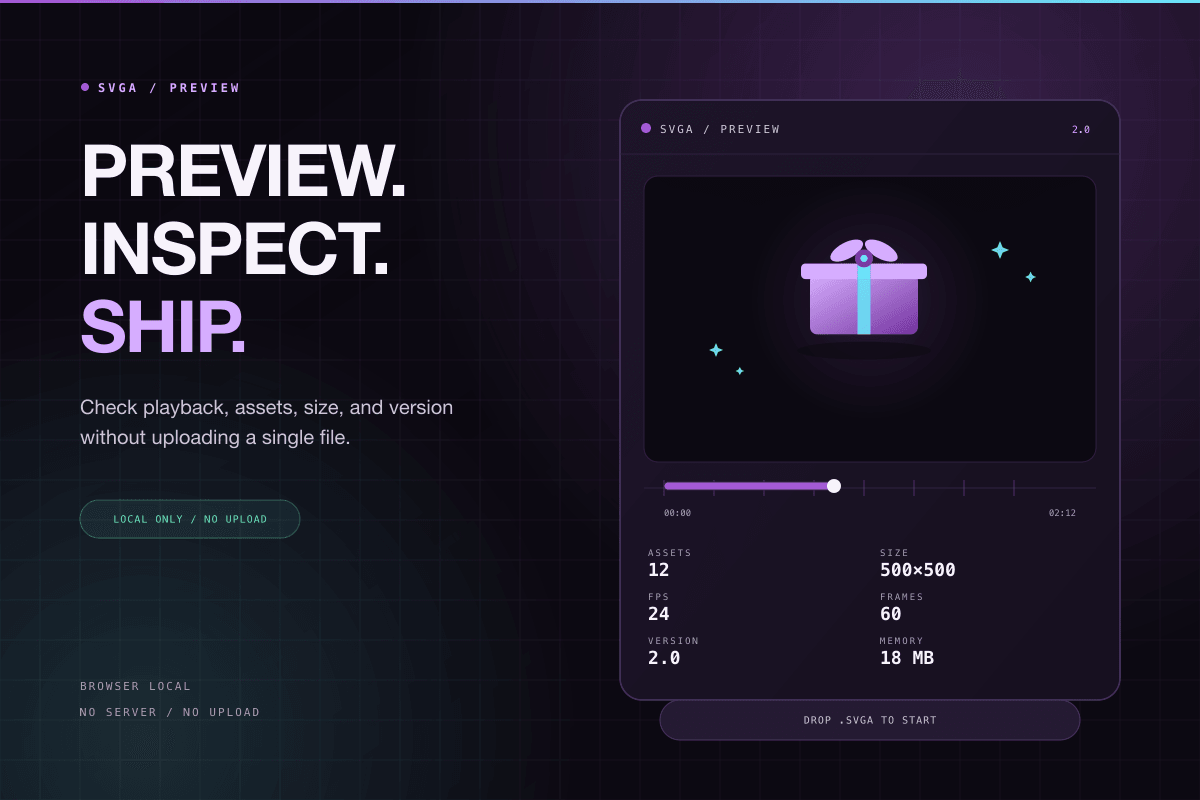
The SVGA playground is useful for checking animation assets before delivery. Drop a .svga file onto the page or choose a local file, and the player parses and plays it directly in the browser.
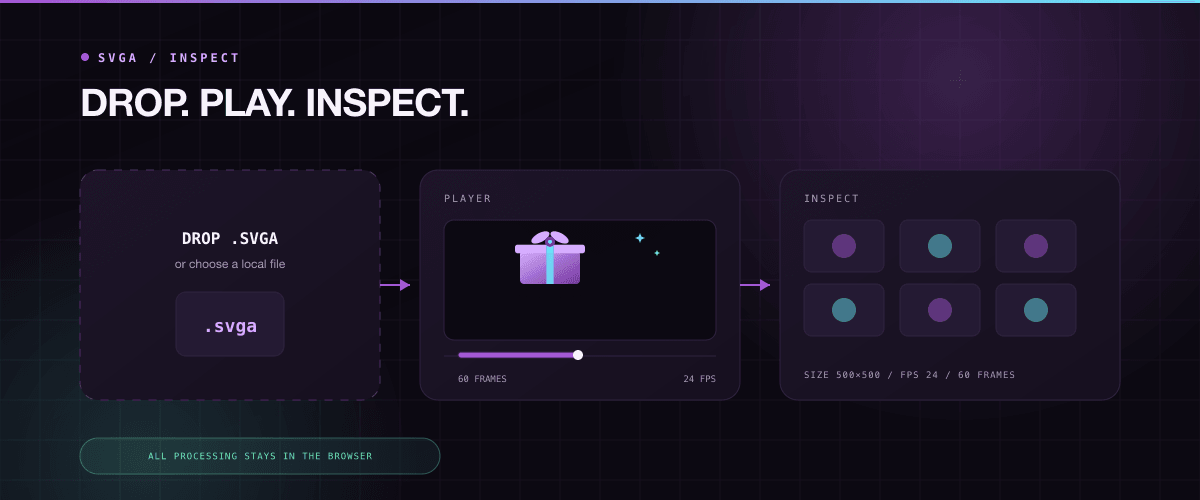
The file is not uploaded to a server. Parsing, playback, asset inspection, and version conversion all happen inside the current browser, which makes the tool suitable for private design assets and internal project files.
What to check
- Whether the playback size matches the product container.
- Whether FPS and frame count match the expected animation.
- Whether asset count and estimated memory are too high.
- Whether transparent areas still look correct on different backgrounds.
- Whether the file version matches the target player support range.
If the playground plays the asset correctly but the product client does not, continue by checking player version, container size, resource loading path, and playback timing.